B2B SaaS vendor in production
Your product has customers, but activation is flat, demos need hand-holding and support keeps answering the same questions. The audit explains why, journey by journey.
A UX audit puts your SaaS, business application or website through the test of real-world use, to find where your users hesitate, make mistakes or give up. After 2 to 3 weeks of work, you get evidence-based findings, a clear order of priority and the first fixes already designed.
A UX audit is not an opinion on colours. It is an investigation: we cross-reference what your usage data, support tickets and users tell us with an expert review of the screens. The goal is simple: understand why a task that should take one minute takes ten, and what weighs most heavily on your product’s adoption.
The problems that surface are often alike: internal jargon customers don’t understand, ambiguous statuses, actions hidden three clicks deep, onboarding that assumes training. The audit is for SaaS vendors with a product in production, teams preparing a redesign and companies whose internal tool is bypassed with spreadsheets.
Three mistakes keep coming up. Launching a full redesign without a diagnosis, and reproducing the same flaws in a brand-new interface. Relying only on feedback from the loudest customers, who don’t represent every use. And producing a thick report nobody reads: we deliver a short, ranked list your team can start on the following week.
Four situations where a short UX diagnosis changes what happens next.
Your product has customers, but activation is flat, demos need hand-holding and support keeps answering the same questions. The audit explains why, journey by journey.
Before committing several months of design and development, you want to know what to keep, remove or rethink. The audit then becomes the brief for the redesign.
The tool exists, but your teams work around it with spreadsheets and messages. A usability audit shows what those workarounds reveal and how much time they waste.
Your team knows the product too well to see what blocks a new user. An independent audit brings a neutral diagnosis, useful for settling roadmap debates.
Four concrete deliverables, designed for your product team to pick up without translation.
Your users’ key tasks replayed screen by screen, with every friction point captured, described and linked to its likely cause.
Analytics, funnels and support tickets analysed to separate the features people really use from the ones nobody finds.
A few targeted conversations with customers or colleagues, to hear their words, their workarounds and what they truly expect from the tool.
Each issue ranked by its impact on usage and the effort needed to fix it, with the highest-return fixes already mocked up.
Contrast, text size, keyboard navigation, field labels: the basics of the WCAG criteria checked on your key journeys, to spot what shuts out some of your users.
Buttons, error messages, statuses, empty states: a UX writing pass over the microcopy, often the quickest fix to put in place.
At the end of the UX audit, your team leaves with documents it can use the very next day, stored in your own tools.
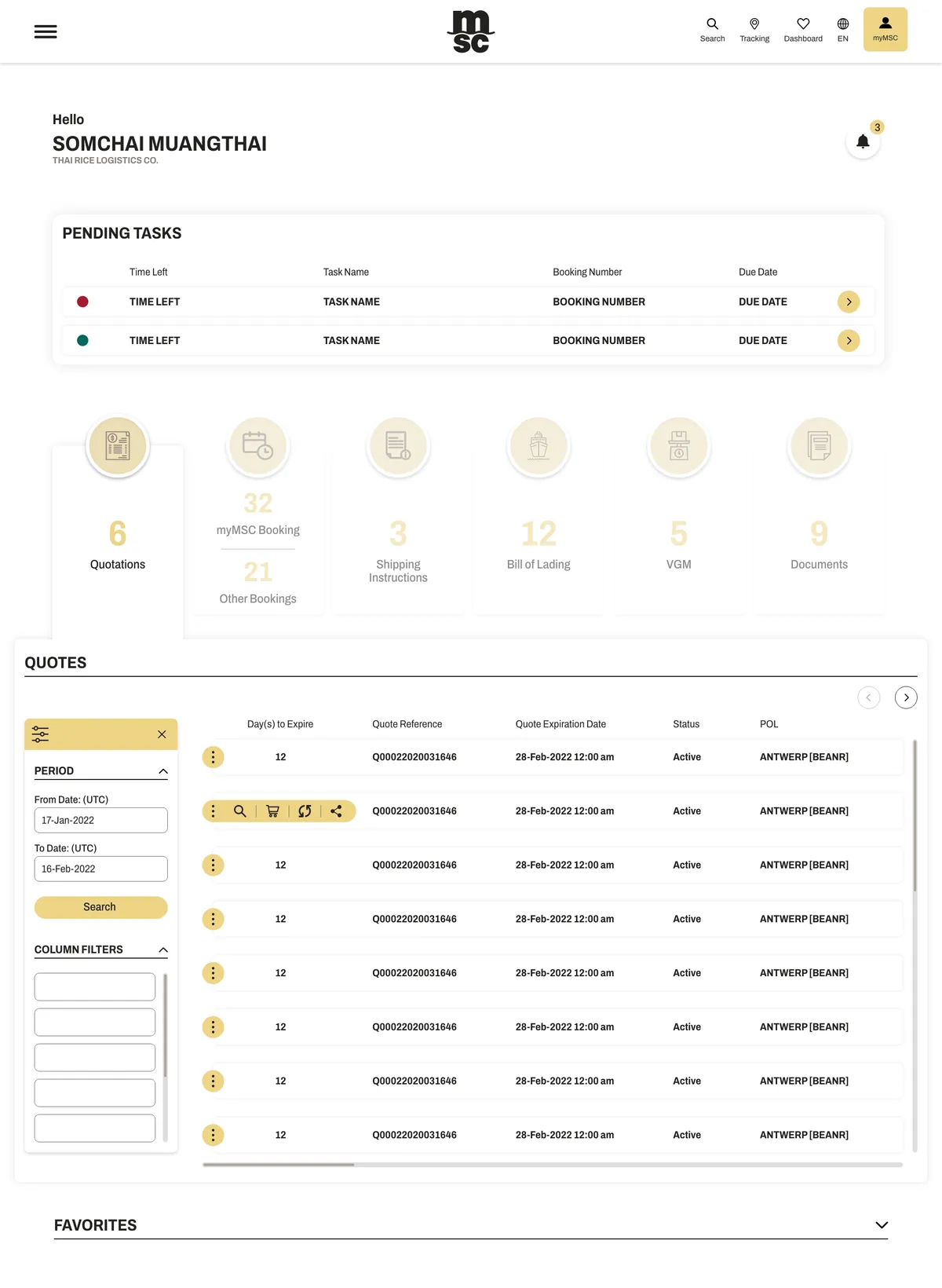
A UX audit is worth what it observes, not what it assumes. For MSC’s self-service app, Victor Michel, the studio’s founder, persuaded the product team to go and watch customers at work: days of observation at customer companies, critical use cases identified on site, then co-design with a group of pilot customers. That insistence on observation shapes every audit we run.
A short, well-defined process: 2 to 3 weeks, depending on the number of journeys studied and your users’ availability.
An initial conversation to choose the journeys to audit, open the necessary access and identify the users willing to talk to us.
Screen review, data and ticket analysis, interviews: we document what actually happens, without looking for solutions yet.
Findings grouped by theme, each illustrated with a screenshot and a quote, then ranked by severity and cost to fix.
A session with your team to walk through the priorities, answer questions and hand over mock-ups of the first fixes.
A few pointers to compare approaches, ask the right questions and get the most from the diagnosis.
Heuristic evaluation grids, such as Nielsen’s principles or Bastien and Scapin’s ergonomic criteria, make a solid checklist for spotting missing guidance, poorly handled errors or inconsistencies. But an expert review remains a hypothesis: it tells you what might get in the way, not what actually gets in your customers’ way. Our UX audit therefore always cross-checks it against your usage data, support tickets and a few interviews. A finding confirmed by two sources goes to the top of the action plan; an isolated one still needs checking.
These three approaches complement rather than replace each other. User testing watches a few people on specific tasks: ideal for settling a question. An accessibility audit measures the gap with a standard such as WCAG or France’s RGAA, useful now that the European Accessibility Act sets accessibility requirements for several consumer-facing digital services. A UX audit ranks all of a product’s friction points. We include a check of accessibility basics; for a formal conformance statement, a specialist auditor is the right partner, and we then fix the screens concerned.
A redesign launched without a diagnosis often reproduces the old version’s flaws in a more modern interface. A UX audit avoids that trap: it separates what works, and must be protected, from what holds adoption back. It also gives the redesign a scope you can defend in front of leadership, based on findings rather than taste. Often it even shows that a full redesign is unnecessary: a few rethought journeys and a consolidated design system are enough to put the product back on track.
When a B2B SaaS struggles to convert trials or to spread across a whole customer team, the problem often sits in the first screens: an empty dashboard, in-house jargon, a set-up that takes too long before the first useful result. An onboarding audit follows a new account step by step, finds where it drops off and what it should have been shown earlier. The fixes rarely concern visuals: they deal with the order of steps, sample content and the words used.
AI now helps transcribe interviews, cluster quotes or sort hundreds of support tickets by theme. We use it to speed up that groundwork, never to decide for you. An automatic summary smooths out weak signals, precisely the ones that point to an emerging problem, so every audit finding is reread, checked on screen and tied to a real observation. If your product already includes AI features, the audit also looks at the trust they inspire and the control left to the user.
Three ways to get a UX audit done. None is better in absolute terms: it depends on what you will do with the diagnosis.
| Criterion | Brutux Studio | Traditional UX agency | Freelance UX designer |
|---|---|---|---|
| Point of contact | One senior designer, from scoping to debrief | A project manager, then consultants depending on the phase | One person, with a very variable profile |
| Sources combined | Expert review, analytics, support tickets and interviews | Often comprehensive, sometimes with a testing lab | Depending on time available, often the expert review alone |
| Deliverable | Prioritised action plan and quick wins mocked up in Figma | Detailed report, sometimes lengthy | Report or annotations, of varying depth |
| Accessibility | WCAG basics checked; formal audit left to a specialist | Formal audits offered by some agencies | Rarely covered |
| After the audit | Design, design system and development with the same studio | Design possible, development often handed elsewhere | Design possible, rarely development |
| Duration | 2 to 3 weeks | Varies with scope and the team assigned | Varies with availability |
UX audit: answers to the questions we are asked.
Allow 2 to 3 weeks. The duration depends mainly on the number of journeys to study and how quickly we can reach your users for interviews.
No, although it helps. Without usage data, we rely more on support tickets, interviews and observation tests. We also tell you which events to track afterwards.
Yes. Business software used by your teams suffers from the same friction as a commercial SaaS, often with a hidden cost: lost time, data-entry errors and side spreadsheets to work around the tool.
Your team, if it has the capacity: the deliverables are made to be used as they are. You can also hand the next phase to us, for design only or for design and development.
User testing observes a few people on specific tasks. A UX audit is broader: it combines testing, data, support and expert review to prioritise all of the product’s problems.
Brutux Studio is based in Thonon-les-Bains, in Haute-Savoie, and works with software vendors around Annecy. A SaaS product audit takes 2 to 3 weeks: the kick-off and debrief can take place at your Annecy offices, and the rest happens remotely. You keep the same contact from scoping to mock-ups.
Three main options: hire an in-house product designer, bring in a freelance UX designer, or work with a product studio like ours that covers audit, design system and development. Hiring suits a lasting need, a freelancer a short and well-bounded assignment, and a product studio a diagnosis that has to turn into shipped screens.
We check accessibility basics in every UX audit: contrast, keyboard navigation, labels, error messages. We do not issue certified conformance audits. If you need a formal statement, we work from a specialist auditor’s report and fix the screens concerned.
Almost. A usability or ergonomic audit traditionally means assessing interfaces against established criteria, often without users. Our UX audit includes that review but adds usage data, support and interviews, to rank problems by their real weight.
Yes. The method also applies to websites and SaaS marketing sites, focusing on the journeys that lead to a demo request, a trial or an enquiry: clarity of the offer, page hierarchy, forms.
30 minutes to talk about your project, in Thonon or by video call. I’ll tell you honestly what will make the difference.
Book 30 minutes ↗